
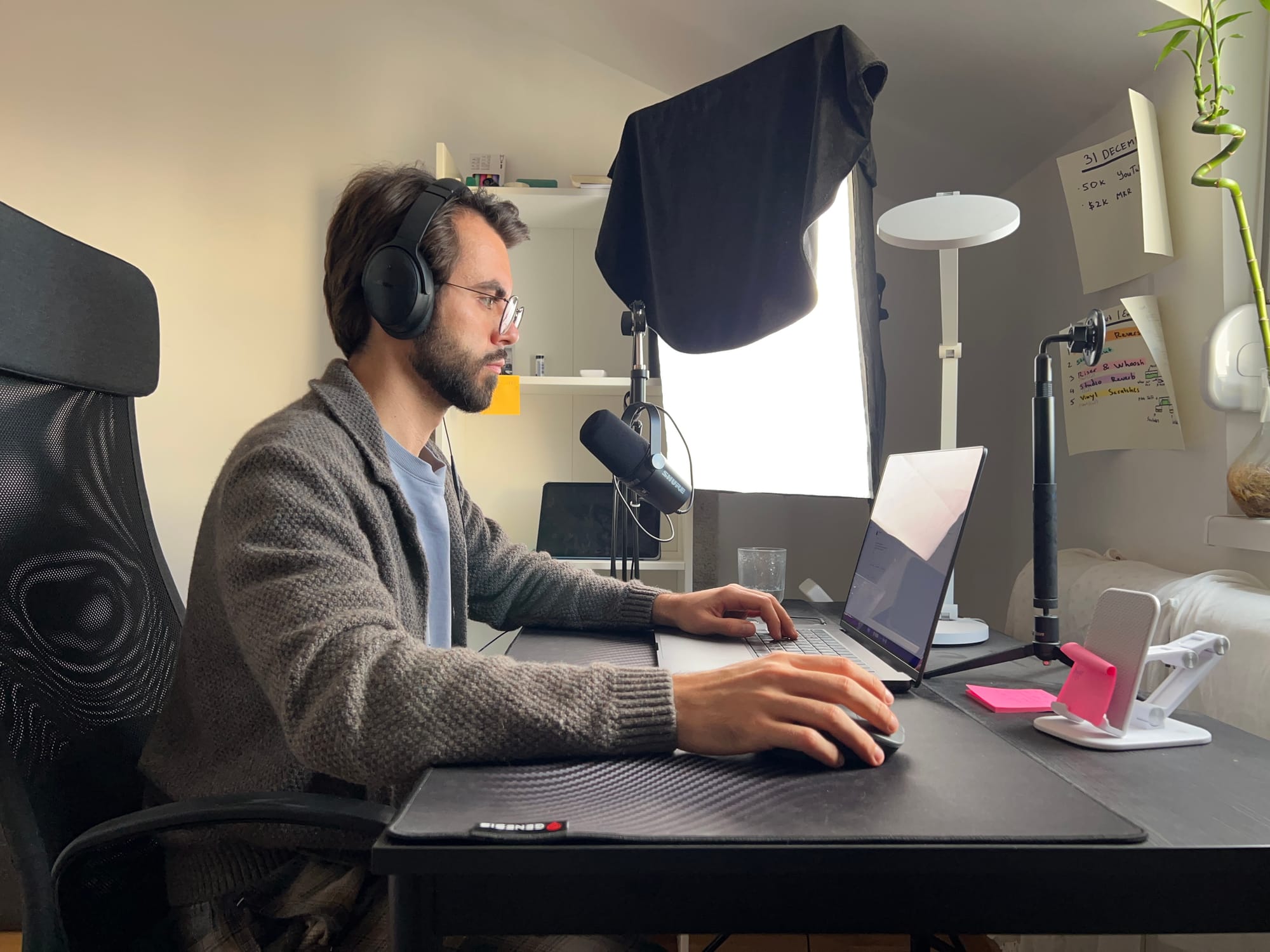
For video editors, time is the ultimate currency. Between hunting for the perfect B-roll, dialing in sound design, and chopping out endless dead air, the post-production process can quickly become a bottleneck.
We sat down with Vladislav Sateev, the creator behind the popular YouTube channel @editorvlad and founder of The Editor's Club, to talk about his journey from starting on YouTube in 2013 to teaching advanced Premiere Pro and After Effects techniques today. There is a lot to learn from him.
Here is an inside look at his hardware, his philosophy on AI, and the exact checklist he uses to produce high-quality content fast.
Form Follows Function: The "No-Style" Aesthetic
Rather than locking himself into a specific signature aesthetic, Vlad pulls inspiration from a variety of sources to serve one ultimate goal: maximum speed at the highest quality.
"I don't think I have a signature style," he explains. "If I had to compare it to someone, it's closer to Alex Hormozi's approach. I don't start with a style in mind. I focus on how to make the video as fast as possible at the highest quality, and that changes over time."
Daily Editing Workflow
Every step of the editing process can be tedious—from verifying the video's pacing to ensuring the viewer actually understands the core message. To keep from getting overwhelmed or skipping crucial steps, Vlad relies on a strict, sequential workflow for every project:
- Shoot the video
- Organize everything into folders
- Set up the project and sequence
- Cut silences automatically using FireCut
- Cut repetition manually
- Tighten pacing by cutting extra silences manually
- Build the core: Add B-roll, zooms, and open loops to the middle of the video
- Hook the viewer: Add intro B-roll and graphics
- Sound design: Apply SFX and music
- Export
- Review: Watch the full video, then make final tweaks or upload
Focusing on one item at a time prevents him from getting bogged down in the complexity of the full edit.
Supercharging the Workflow
While Vlad's creative process is heavily manual, he relies heavily on automation at the very beginning of his workflow.
"When I was working with clients, I'd spend hours every week just cutting silences," Vlad notes. "Now FireCut does it automatically. That's a significant amount of time back."
FireCut is the first plugin he applies to a new project, handling the tedious rough cut so he can jump straight into the creative work. When asked what plugin he can't live without, his answer is straightforward: "FireCut first and foremost, since it saves me the most time."
Check out his video about the AI tools he uses in his daily workflow:
The Gear and Plugins
To handle heavy After Effects comps and Premiere Pro timelines, Vlad runs a sleek but powerful setup:
- Hardware: MacBook Pro M3 Pro with 36GB of RAM.
- Core Software: Premiere Pro, After Effects, Photoshop, and select AI tools.
- Essential AE Plugins: Flow, TextEvo, UnPrecompose, FX Console, and Deep Glow.
- Essential Premiere Plugins: FireCut and Dagger.
- Audio: Epidemic Sound for music.
The Biggest Mistake Creators Make with AI
Despite utilizing AI to reclaim hours of his week, Vlad warns against using it as a crutch. The biggest bottleneck he sees creators face isn't just manually cutting silences—it's putting AI first in the creative process.
"AI is automation: it simplifies the process or makes it faster, but it isn't the solution," he explains. "A lot of people treat it as step one and expect it to do the editing for them, when it should come last. Often, using less AI actually works better." His creativity and thinking process don't fit into a fixed, automated system, which is why the heavy lifting of pacing and visual storytelling remains manual.
Final Advice: The 1% Rule
For newer editors looking to find their footing, Vlad points to a core philosophy from James Clear’s Atomic Habits: Get 1% better every day.
"At first you won't even see progress," he says. "But if you stay consistent for a year, the growth becomes exponential."
Ready to cut hours out of your post-production process just like Vlad? Try FireCut to automate your rough cuts, zoom cuts, captions, and more.
Use discount code VLADEDIT at checkout to get 10% off monthly plans!
FireCut uses AI to help creators make better content, faster.
Available for Premiere Pro, DaVinci Resolve and Web.
Start free trial