

Every video creator knows the drill: you just wrapped an amazing shoot, you’re riding that creative high, and then… you dump 150 gigabytes of raw footage onto your hard drive. Suddenly, the reality of the edit sets in. Keeping up with today’s relentless demand for content usually means either sacrificing your weekends or paying a premium for a dedicated editing team. But the post-production game is changing fast. If you want to claim your time back and focus on the fun parts of storytelling, it’s time to let AI handle the grunt work right inside your editing bay.
The Reality of Manual Video Editing
Let’s be honest: the initial phases of video editing can be a soul-crushing grind. You spend hours scrubbing through a timeline with the razor tool, hunting for dead air, and painstakingly snipping out every single "um," "uh," and flubbed take.
If you’re trying to keep a modern audience awake, you’re probably adding punch-ins on key phrases, which means tweaking keyframes and scale adjustments on dozens of individual clips. And if you edit multi-cam podcasts? Matching the active speaker can easily eat up an entire workday. By the time you finish the baseline utility cuts, your creative energy is completely tapped out. You're left feeling more like a data-entry clerk than a video editor.
FireCut AI to the Rescue
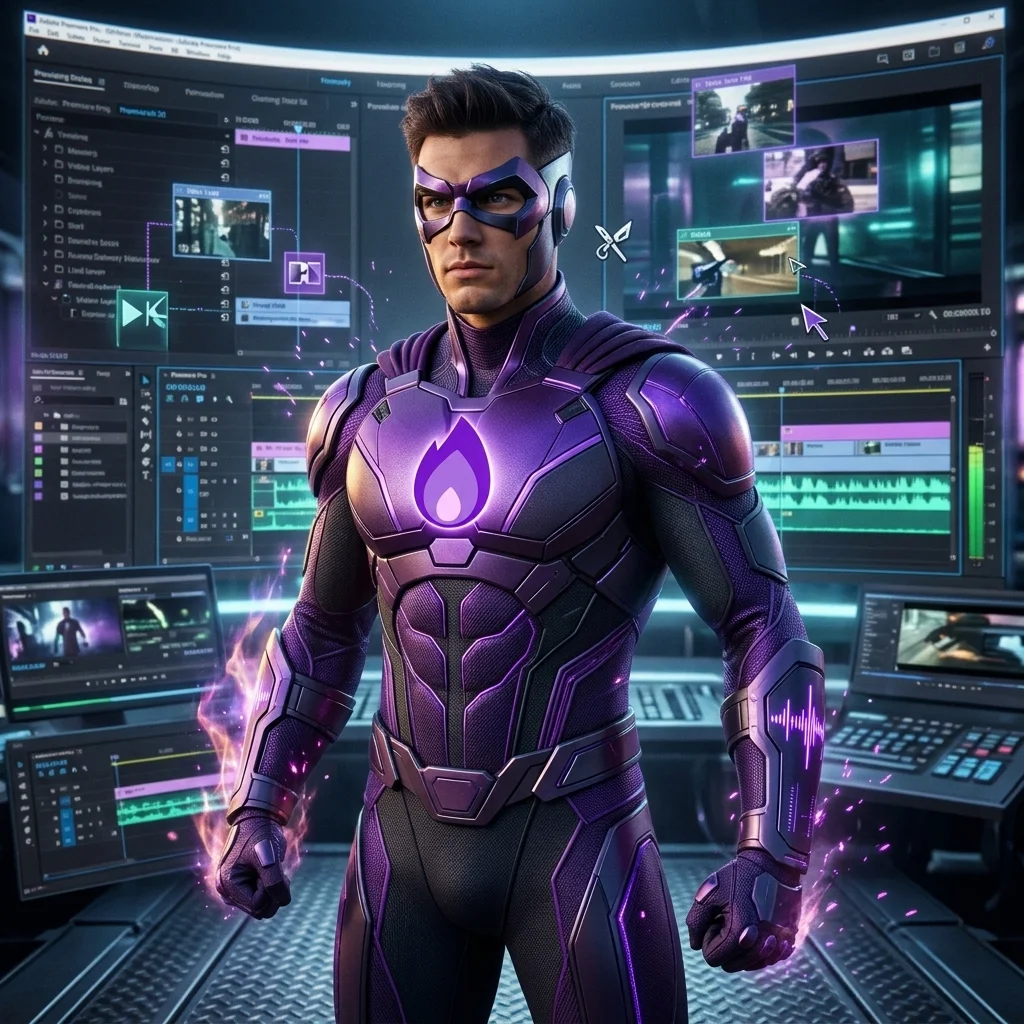
Enter FireCut AI. Unlike standalone web apps that force you to export and re-import bulky files, FireCut lives right inside Adobe Premiere Pro as an extension panel. It has many amazing useful features, but the latest "Magic Cut" feature is a game-changer, as it is designed to do all the heavy lifting, turning a messy raw footage into a tight, polished first draft with just one click.
Here is how FireCut completely shifts the workflow, especially in these time-consuming scenarios:
- Scenario 1: The 2-Hour Podcast Marathon
- The Problem: You have three camera angles and two hours of audio. Manually switching the video track every time someone new talks is a tedious nightmare.
- The FireCut Fix: FireCut’s Multitrack feature automatically switches the visual to the active speaker. What used to take eight hours of manual multi-cam cutting is done before you even finish your coffee.
- Scenario 2: The Rambling Talking Head
- The Problem: Your subject pauses for 10 seconds between thoughts, repeats sentences, and uses "um" as a crutch throughout the entire corporate webinar.
- The FireCut Fix: You set a simple decibel threshold, and FireCut scans the audio track to instantly delete all dead air. It also uses built-in transcription to find and purge filler words, effortlessly tightening a messy 40-minute speech into a punchy 20-minute video.
- Scenario 3: The Daily Social Media Short
- The Problem: You need to pump out engaging TikToks or Reels daily, which requires fast-paced jump cuts, dynamic zooms, and engaging text on screen.
- The FireCut Fix: FireCut’s Magic Cut feature analyzes the natural pauses and sentence emphasis in your audio, automatically applying subtle scale cuts (zooms) to keep the visual energy high—no manual keyframing required. It then drops animated, highly accurate captions in over 50 languages directly onto your timeline.
Video editing shouldn't lead to creator burnout. Yes, a tight, seamless timeline is non-negotiable if you want people to actually watch your content, but doing that baseline trimming by hand is officially a thing of the past. By handing off the robotic, tedious tasks to FireCut, you shrink hours of mind-numbing utility work down to minutes. Instead of starting your day staring at a bloated, messy timeline, you get to start with a clean rough draft—leaving you with the time and energy to actually get creative. So start your free trial today and experience the speed.
FireCut uses AI to help creators make better content, faster.
Available for Premiere Pro, DaVinci Resolve and Web.
Start free trial