

In 2026, the barrier to entry for professional-grade podcasting has never been lower, yet the "standard" for quality has never been higher. With audiences migrating toward video-first platforms like YouTube and Spotify Video, your setup isn't just about how you sound—it’s about how you look and how fast you can get your content to market.
Whether you're building a bedroom studio or a multi-guest professional space, here is the definitive guide to the best gear and workflow for 2026.
Phase 1: Best Cameras
First of all, you need a good-quality camera for a successful podcast. The "best" camera depends on your budget and how much time you want to spend "fiddling" with settings. Here’s how the 2026 landscape looks:
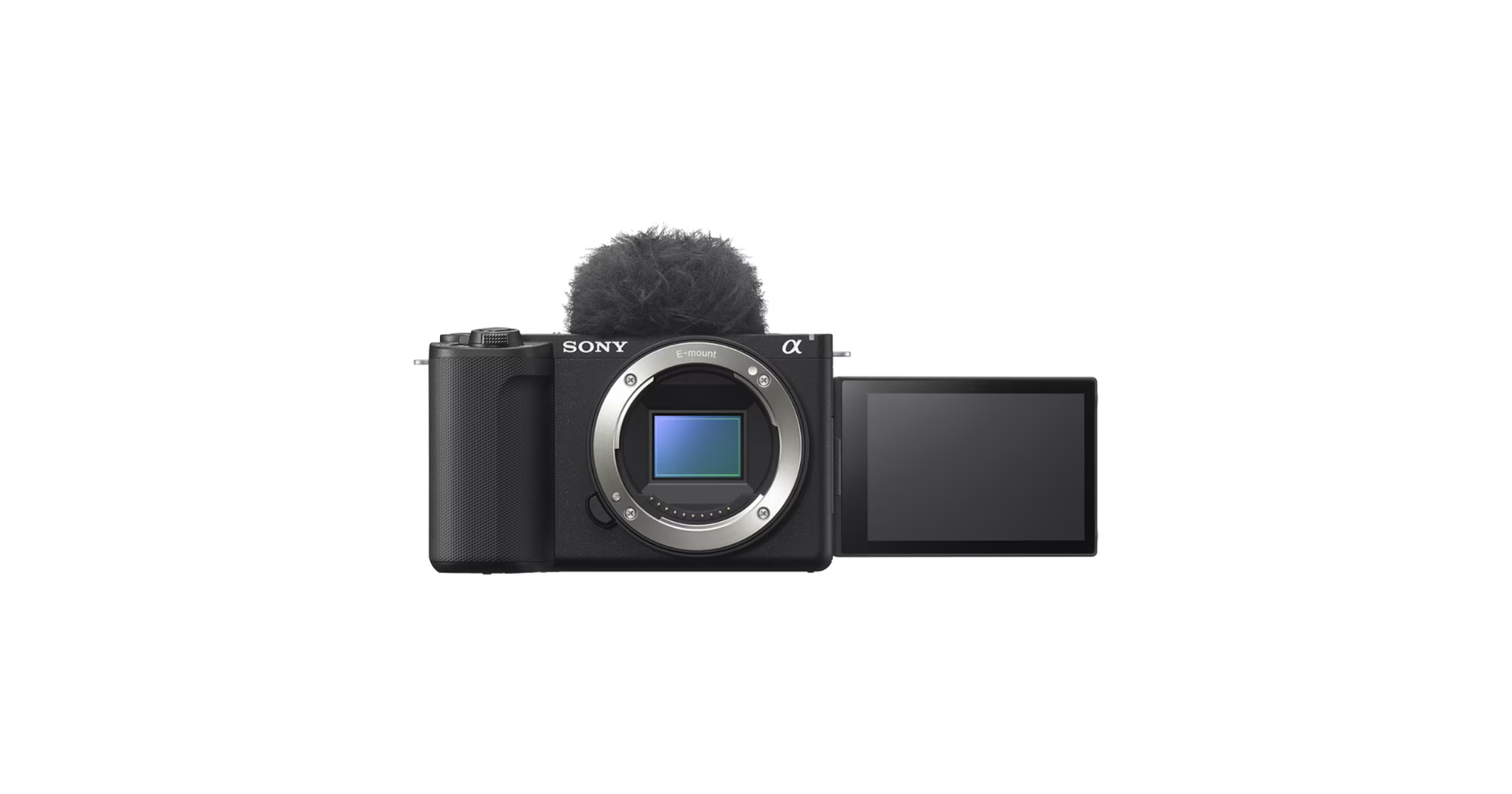
The Budget Prosumer Choice: Sony ZV-E10 II
This is the undisputed industry standard for starting podcasters. The Sony ZV-E10 II packs a massive APS-C sensor into a tiny body, offering 10-bit 4K video that looks significantly more "expensive" than it actually is.
- Why it wins: It features "Product Showcase" mode (perfect if you do gear reviews) and industry-leading autofocus that stays locked on your eyes even if you move around.
- Best Lens Pair: Sigma 16mm f/1.4 DC DN. This lens is the secret sauce for that creamy, blurred-out background (bokeh) that makes a home office look like a high-end studio.
- Price: ~$1200
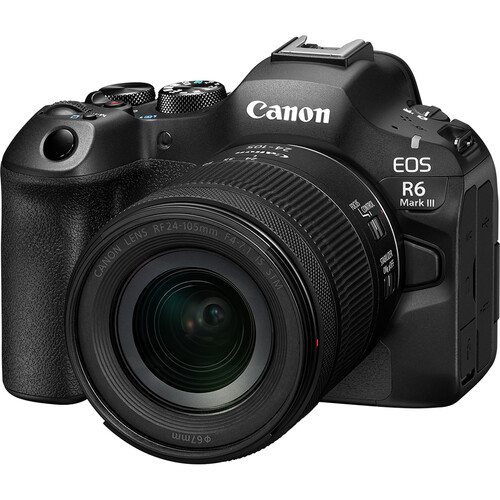
The "Color King" Mid-Range: Canon EOS R6 Mark III
If you want your skin to look natural without hours of color grading, Canon is your best friend. The R6 Mark III is a powerhouse for podcasters who prioritize aesthetics.
- The Highlight: Canon’s legendary "Color Science" ensures skin tones look healthy and vibrant right out of the box.
- Pro Tip: Use the fully articulating flip-out screen to monitor your frame while sitting solo—no external monitor required.
- Price: ~$2800
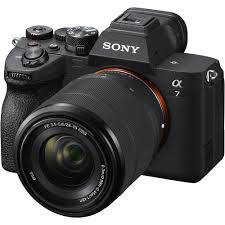
The Professional Workhorse: Sony a7 IV
For those running 2+ hour episodes, reliability is everything.
- Sony a7 IV: The "do-it-all" full-frame beast.
- Redundancy is key: It offers dual-slot recording, meaning you save your footage to two SD cards simultaneously. If one card fails, your episode is saved.
- Price: ~$2500
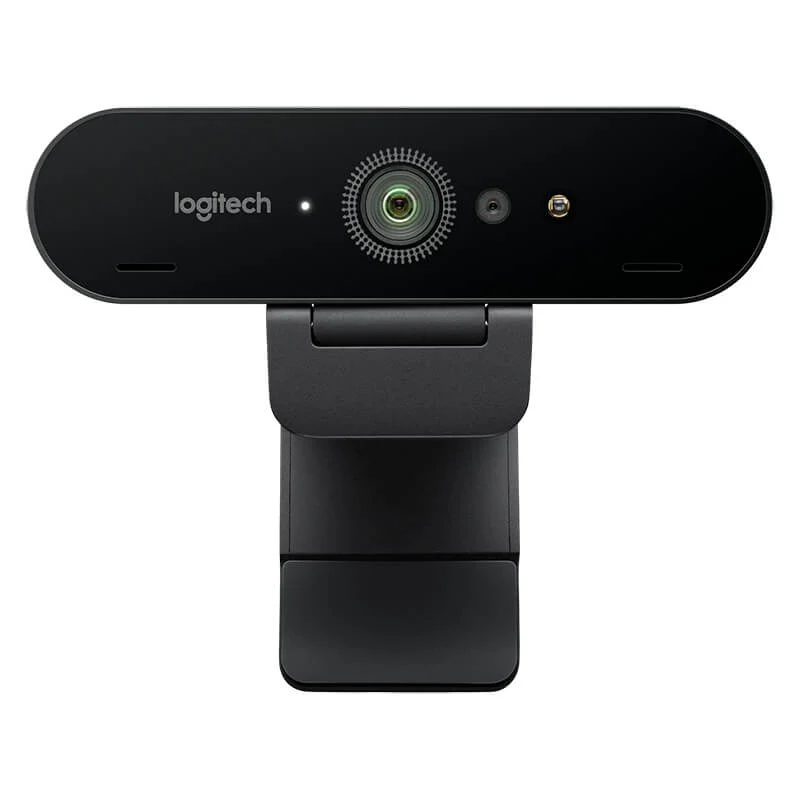
The "Plug-and-Play" Specialist: Logitech MX Brio (4K)
Don’t sleep on webcams. If you're doing remote interviews via Riverside or Zoom and don’t want to manage batteries and capture cards, the Logitech MX Brio is the king.
- When to choose it: If your podcast is purely remote and you value a 30-second setup over a cinematic shallow depth of field. It offers 4K resolution and AI-enhanced low-light performance that rivals entry-level mirrorless cameras.
- Price: ~$200
Phase 2: Audio—The "Brain" and the "Voice"
The second, most important aspect is to make your audio pop. Audio is 70% of the viewer's experience. If you look like a movie but sound like a tin can, people will leave.
The Microphones:
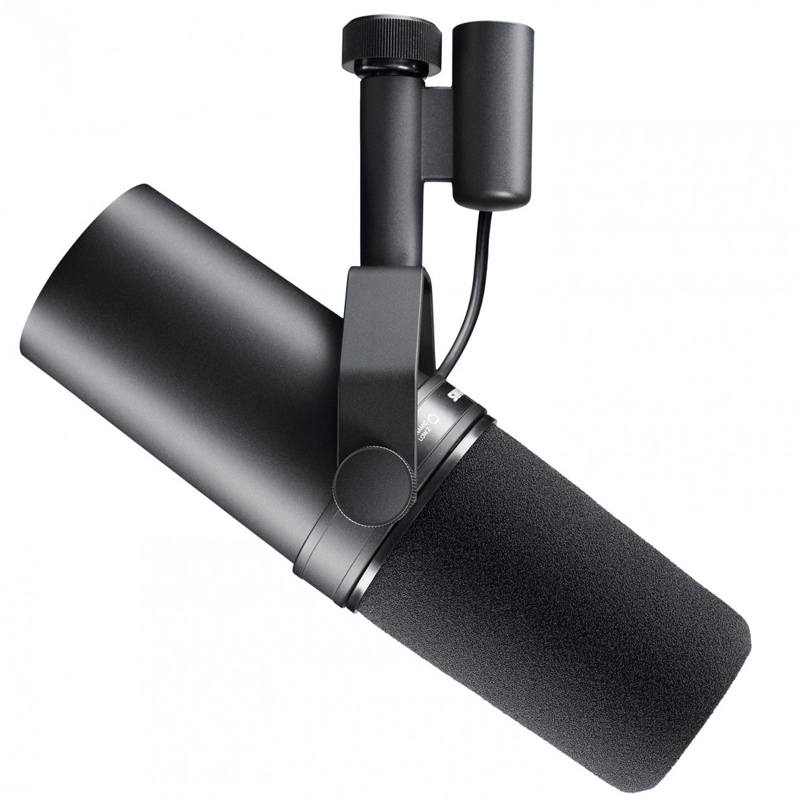
- The Gold Standard: Shure SM7B. It’s the mic you see in 90% of top-tier studios. It’s a gain-hungry beast, so you’ll likely need a Cloudlifter or a high-end interface to get that "radio voice." It costs around $400.
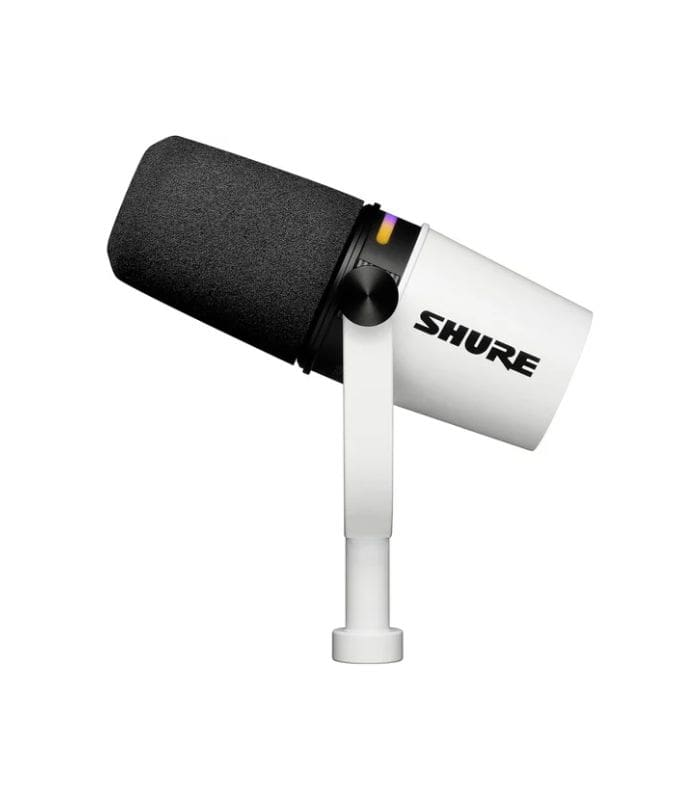
- The Modern Hybrid: Shure MV7+. This is the 2026 upgrade to the popular MV7. It offers both XLR (for professional interfaces) and USB-C (for on-the-go laptop recording). It features an improved touch panel and better internal DSP to kill background noise. It costs around $270.
The "Brain" of the Studio (Interfaces)
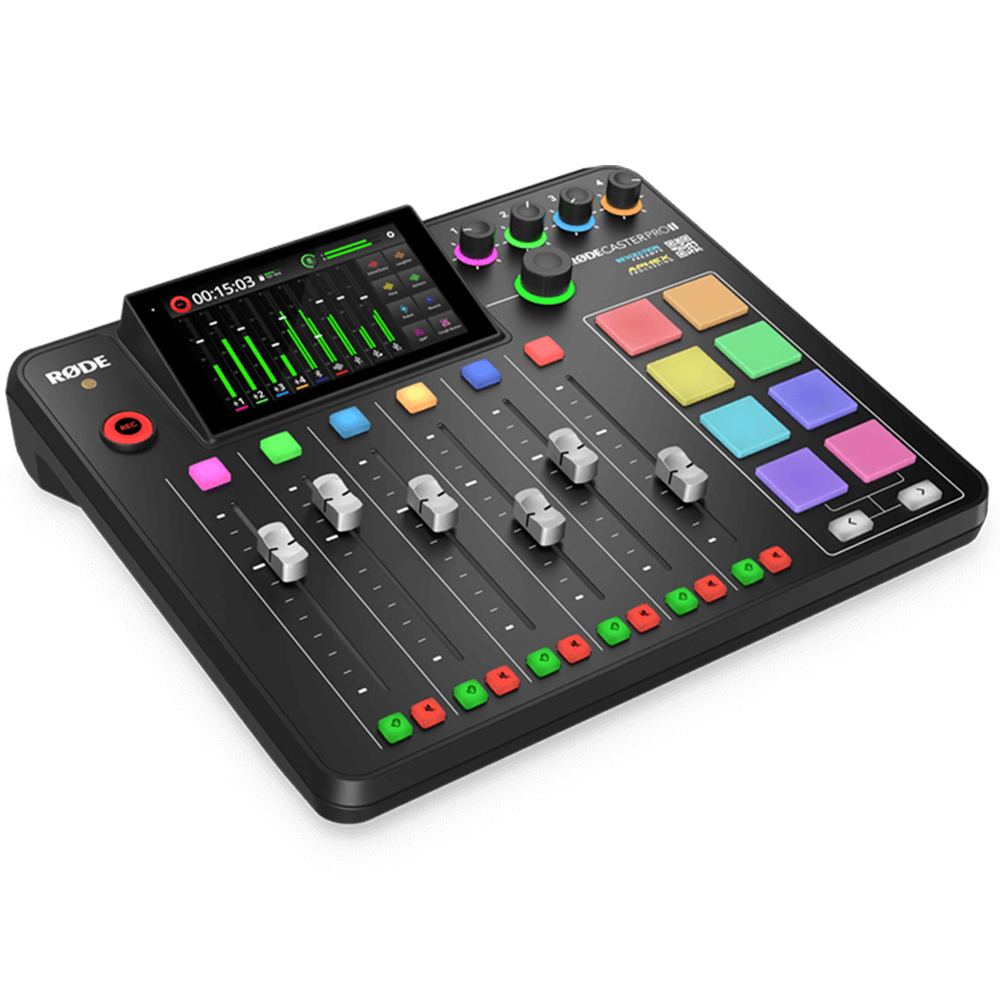
- RodeCaster Pro II: The ultimate choice for multi-guest setups. It has built-in sound pads for intros/outros, Bluetooth for phone callers, and enough power to drive an SM7B without extra hardware. It is available at approximately $700.
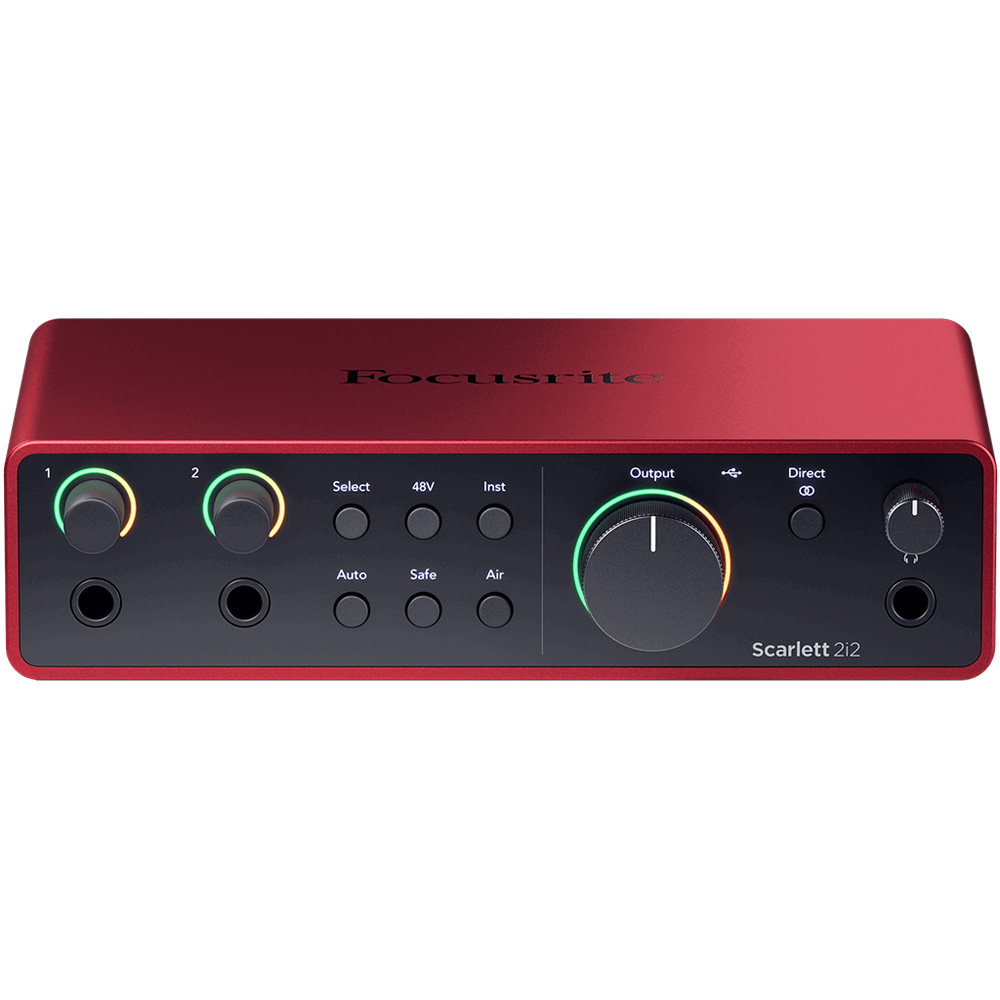
- Focusrite Scarlett 2i2 (4th Gen): The best value for solo or duo podcasters. The 4th Gen features "Auto Gain" (it sets your levels for you) and "Clip Safe," ensuring you never distort if you get too excited and shout. It is priced at around $225.
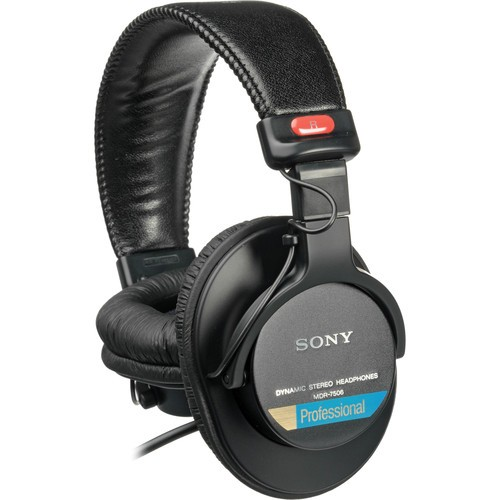
Monitoring
- Sony MDR-7506: These have been the industry standard for decades for a reason. They are "flat" (they don't lie to you about how you sound) and incredibly durable. Every pro studio has a pair. The cost for this is around $113.
Phase 3: The Editing Workflow (FireCut AI)
Now that you know how much to invest in the proper gear and equipment. Here is a steal deal for you. Invest in a good editing setup to make your work fast and efficient. In 2026, "editing" no longer means sitting in Premiere Pro for 10 hours. The final—and most important—piece of your setup is your AI editing assistant.
FireCut AI is the bridge between raw footage and a finished product. Instead of manually hunting for "umms," dead air, or switching between camera angles, FireCut handles the heavy lifting inside Premiere Pro or DaVinci Resolve:
- Silence Removal: Automatically cuts out dead air while keeping the rhythm natural.
- Auto-Switching: If you’re using a multi-camera setup (which is likely in a podcast), FireCut can detect who is speaking and switch the camera angle automatically.
- Viral Shorts: It identifies the highlights and formats long-form videos for TikTok, Reels, and Shorts in seconds.
FireCut AI is a subscription-based product that comes at a starting price of $19 per month for Premiere Pro. You can also get a free one-week trial and try it before you decide to purchase the plan.
Conclusion
Your setup is the backbone of your podcast’s success. Today’s listeners are discerning; they notice the details and reward high-quality production with their attention. To stay competitive, invest in a professional environment and leverage AI-driven tools to streamline your process and elevate your content. Try FireCut AI today and feel the difference yourself.