

Whether you are launching a YouTube channel, building an online course, or hosting video podcasts, talking head videos are the core medium of online content creation. A talking head video relies heavily on clean visuals, accurate autofocus, clear audio integration, and zero thermal overheating during long takes.
With dozens of options on the market, choosing your first camera can quickly feel overwhelming. Below is a breakdown of four of the best cameras for beginner filmmakers shooting talking head content—ranging from ultra-budget picks to professional upgrade paths—plus a look at how to speed up the editing workflow once your footage is recorded.
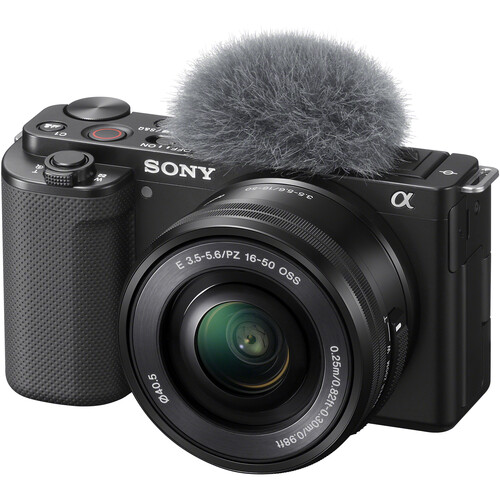
1. Sony ZV-E10
The Purpose-Built Vlog & Talking Head Favorite
The Sony ZV-E10 was engineered specifically for content creators. Featuring an APS-C sensor in a compact, lightweight body, it strips away unnecessary mechanical controls to focus on video-centric performance.
Key Highlights
- Industry-Leading Autofocus: Sony’s Eye-AF stays locked on your face even if you move around or turn your head away momentarily.
- Product Showcase Mode: Perfect if you review products on camera—it smoothly shifts focus from your face to an item held up in front of the lens without needing to cover your eye.
- Flip-Out Screen & Tally Light: A side-articulating screen allows easy self-monitoring, while the front tally light lets you know at a glance that recording is live.
- No 30-Minute Clip Limit: Unlimited recording times (battery and thermals permitting) make it ideal for long-form talking head segments.
Best For: Beginners who want effortless autofocus and lightweight operation without delving deep into complex menu systems.
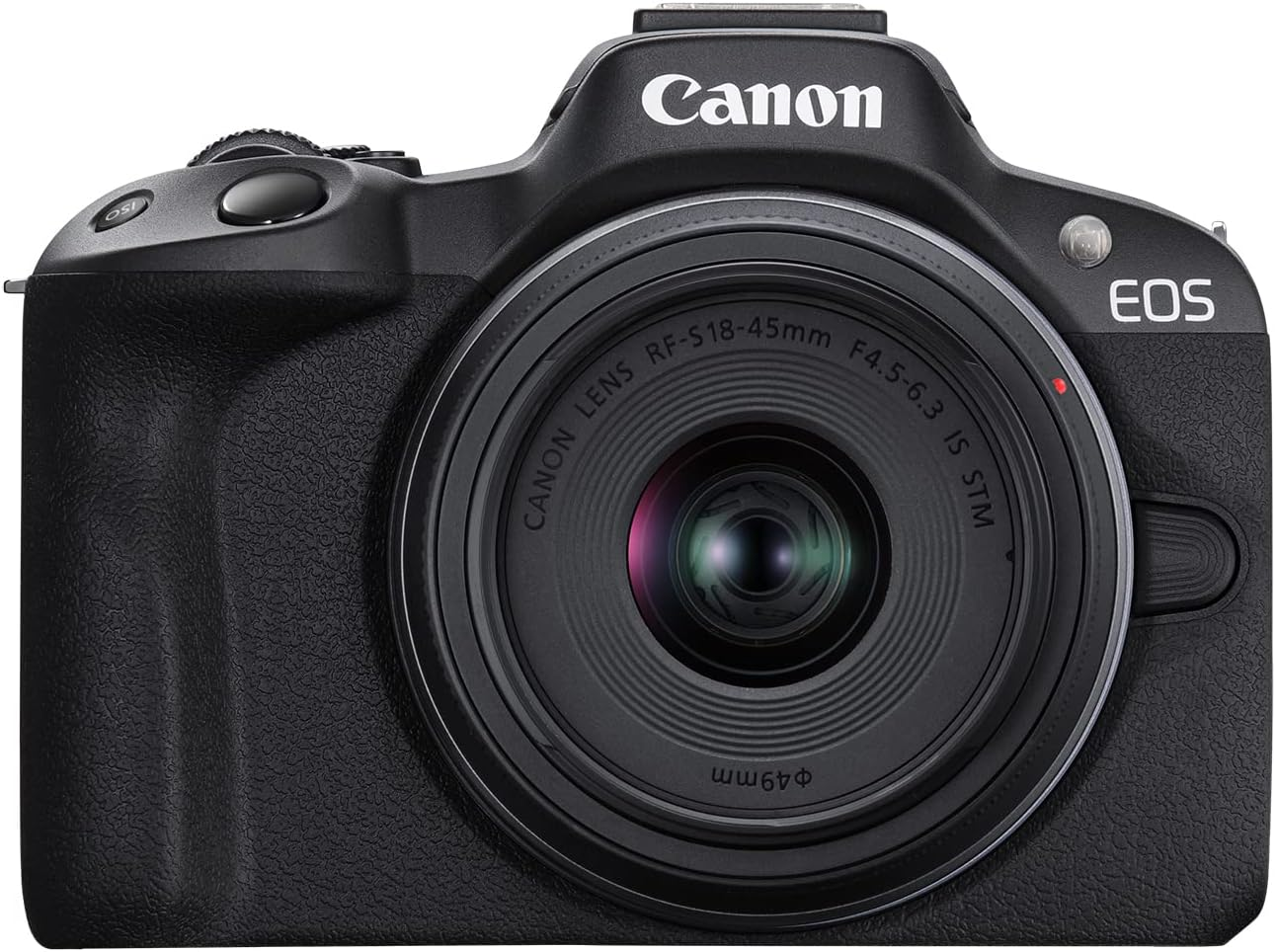
2. Canon EOS R50
Best Color Science & User-Friendly Interface
Canon’s EOS R50 is an entry-level mirrorless camera that packs incredible value into a tiny package. It utilizes Canon's renowned Dual Pixel CMOS AF II system, paired with vibrant out-of-camera colors.
Key Highlights
- Canon Color Science: Skin tones look natural and pleasing straight out of the camera, saving you time during color grading.
- Dual Pixel CMOS AF II: High-speed subject tracking (borrowed from higher-end R-series bodies) ensures your face stays sharp at all times.
- 4K Over-sampled from 6K: Delivers crisp, detailed 4K video up to 30fps without a heavy crop.
- Guided User Interface: A beginner-friendly menu mode explains settings visually as you adjust them, helping you learn exposure basics on the fly.
Best For: Creators who prioritize pleasing natural skin tones straight out of the camera and want an intuitive learning experience.
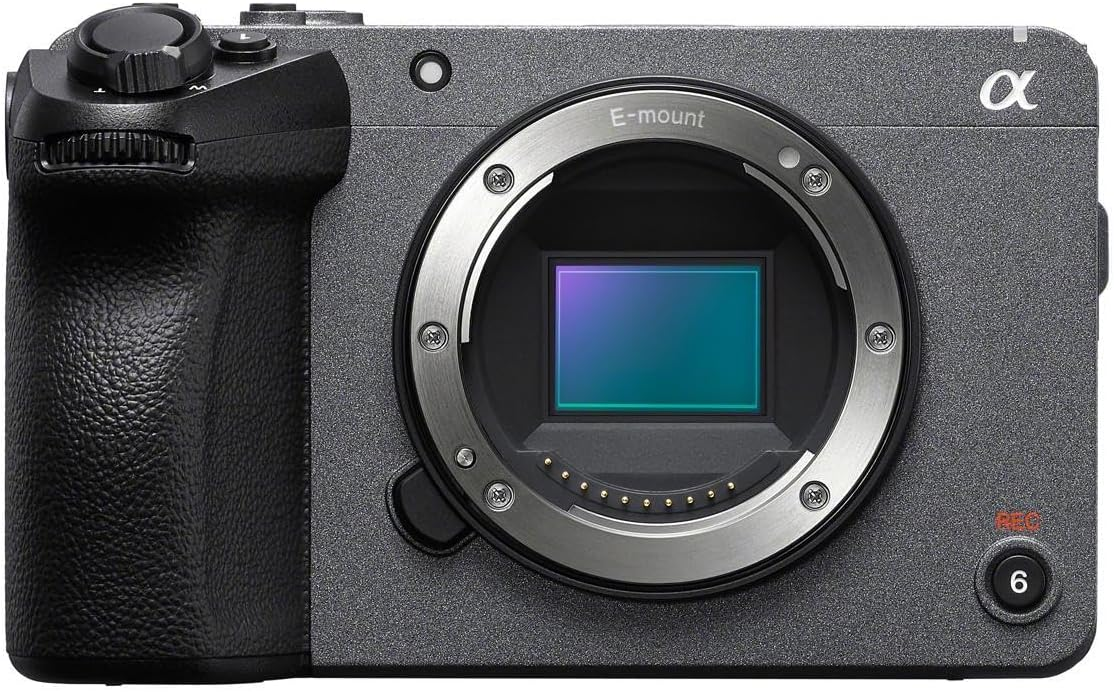
3. Sony FX30
The Cinema Line Powerhouse (Future-Proof Investment)
If you have a slightly larger budget and want a camera that can grow into professional commercial work, the Sony FX30 is an entry point into Sony's Cinema Line. Featuring a Super 35 (APS-C) sensor, active cooling, and dual base ISO, it is built for uninterrupted production.
Key Highlights
- Active Cooling Fan: Ensures zero risk of overheating, allowing non-stop 4K recording for long podcasts or live streams.
- Professional Audio Controls: Comes with (or supports) an optional top handle with XLR inputs for studio-grade audio gear.
- 10-Bit 4:2:2 & S-Cinetone: Allows heavy color grading room and delivers filmic skin tones straight out of the box.
- Dedicated Tally Lights & Cage-Free Mounting: Quarter-inch threads built directly into the body let you mount accessories without a cage.
Best For: Filmmakers who want a rig that won't need to be upgraded for years and can handle demanding, long-take production environments.
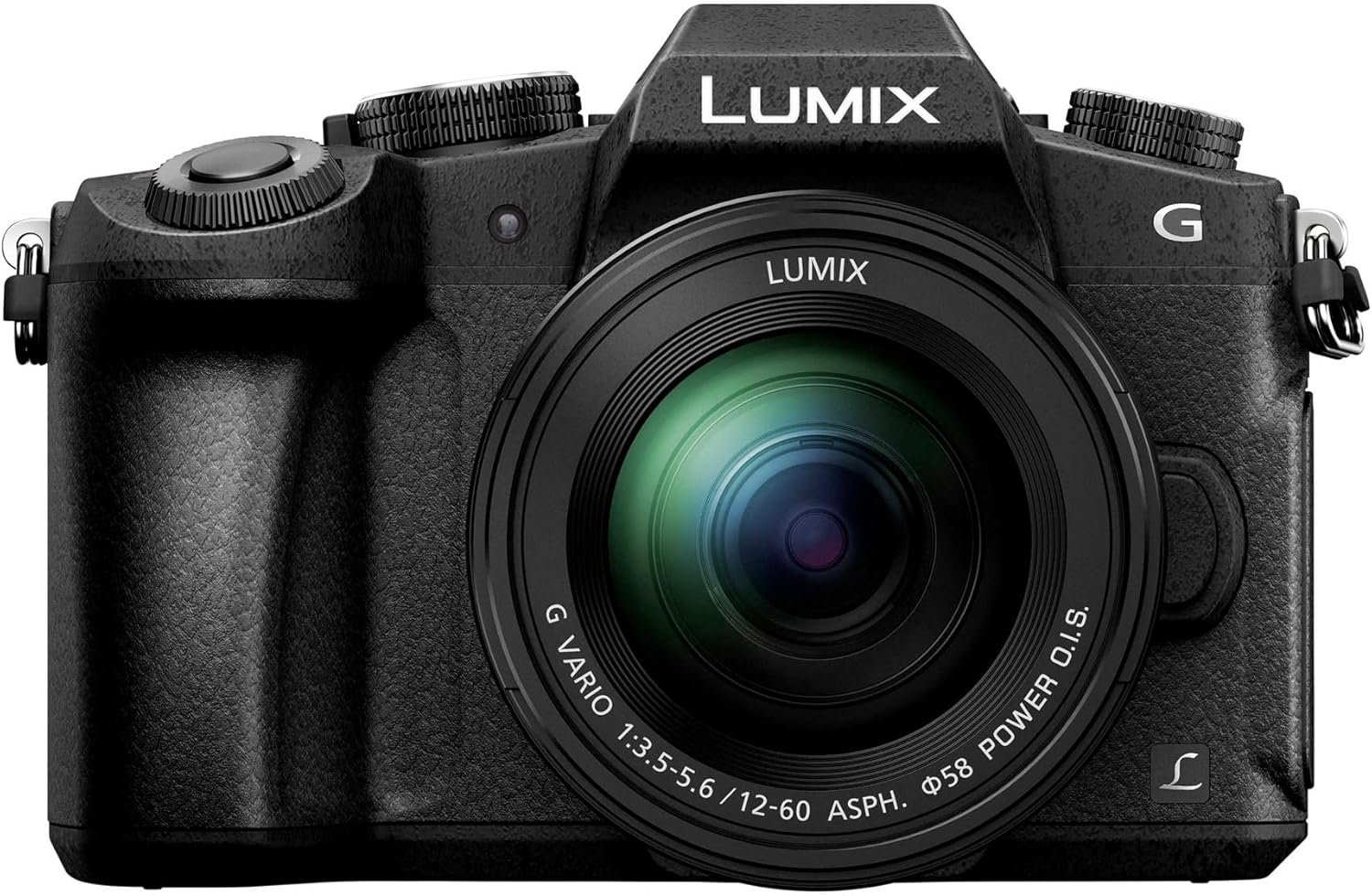
4. Panasonic Lumix G85
The Best Value on a Tight Budget
Though it’s an older model, the Panasonic Lumix G85 remains one of the most value-packed options on the second-hand or budget market. Built on a Micro Four Thirds (MFT) sensor, it offers features rarely seen at its price point.
Key Highlights
- In-Body Image Stabilization (IBIS): 5-axis IBIS keeps handheld shots steady if you move off the tripod.
- Unlimited Recording: Unlike many older cameras in its price tier, the G85 does not cap video clips at 29 minutes and 59 seconds.
- Affordable Lens Ecosystem: MFT lenses are significantly cheaper and smaller than APS-C or Full-Frame glass.
- Clean HDMI Output: Easily converts into a high-quality webcam or live streaming camera.
Best For: Filmmakers on a strict budget who want a reliable, feature-rich body and access to affordable lenses.

Streamlining the Editing Process with FireCut
Capturing crisp 4K footage on a great camera is only half the battle. Talking head content requires extensive post-production to keep viewers engaged: trimming pauses, cutting out "umms" and "ahhs," generating captions, and adding dynamic zoom cuts to prevent visual monotony.
This is where FireCut comes in.
What is FireCut?
FireCut is an AI-powered plugin for Adobe Premiere Pro and DaVinci Resolve designed specifically to automate tedious talking-head and podcast editing tasks.
How FireCut Accelerates Your Editing
- Automatic Silence Removal: In one click, FireCut scans your raw footage and ripples out dead air, long pauses, and silent takes, instantly knocking down 30–50% of your editing time.
- Filler Word & Repetitive Take Removal: The AI detects filler words ("umms," "aahs") and repeated script takes, trimming them cleanly.
- Dynamic Auto-Zooms: To keep talking-head videos from feeling static, FireCut automatically applies subtle zooms on key emphasized statements, simulating a two-camera setup.
- Automated Animated Captions: Generate word-by-word stylized captions in over 50 languages to boost viewer retention on social platforms.
- Multicam Podcast Auto-Switching: If you shoot two-person interviews or multi-camera setups, FireCut automatically cuts between angles based on who is speaking.
By letting FireCut handle the mechanical "first cut" and tedious cleanup, you can focus on refining the story, motion graphics, and overall pacing.
Conclusion
Picking the right camera for talking head videos is a matter of budget and long-term goal:
Sony ZV-E10 for unparalleled autofocus ease.
If you want beautiful out-of-camera color science, go with the Canon EOS R50.
If you need a cinematic workhorse ready for production, spend your money on the Sony FX30.
If you want the most features for the least money, grab a Panasonic Lumix G85.
Pair your production workflow with tools like FireCut once you’ve selected your hardware to automate the boring part of video editing. You have everything you need to publish polished, professional looking talking head content on a regular basis, with a capable camera and an AI assisted post-production workflow.
FireCut uses AI to help creators make better content, faster.
Available for Premiere Pro, DaVinci Resolve and Web.
Start free trial